Jade Mod Guides
Straightforward Jade tutorials for installation, configuration, loader choices, updates and common fixes on Minecraft Java Edition.
How to Install Jade Mod on Fabric
A clean Fabric setup checklist covering the loader, Fabric API, the mods folder and first-run checks.
Read guide →
How to Install Jade Mod on NeoForge
Match your Minecraft version, install NeoForge and verify the correct Jade build without loader conflicts.
Read guide →
Jade Overlay Not Showing? 9 Fixes
Restore the overlay by checking keybinds, profiles, loader versions, config state and mod conflicts.
Read guide →
Jade Keybinds & Configuration Guide
Learn the most useful controls and customize what the HUD displays while keeping the screen uncluttered.
Read guide →
Jade Client vs Server: What Changes?
Understand which information works client-side and which richer data needs Jade installed on the server.
Read guide →
Fabric vs NeoForge vs Forge for Jade
Choose the right loader for your Minecraft version and avoid downloading a build that cannot launch.
Read guide →
Using Jade with JEI & Modpacks
Practical tips for recipes, item uses, packed mod lists and keeping tooltip information readable.
Read guide →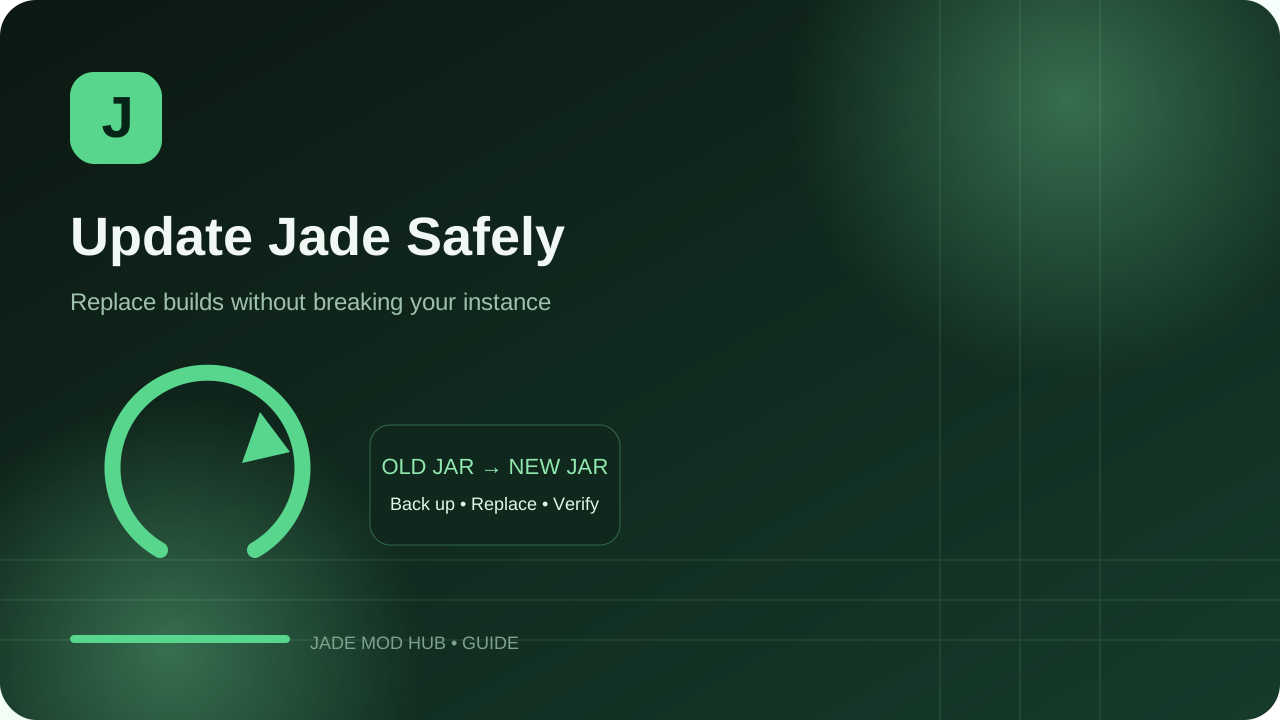
How to Update Jade Mod Safely
Back up configs, match loaders, replace the old JAR and verify a new Jade release before playing.
Read guide →